Case Study : ClipX.js — The Ultra-Lightweight Clipboard Utility
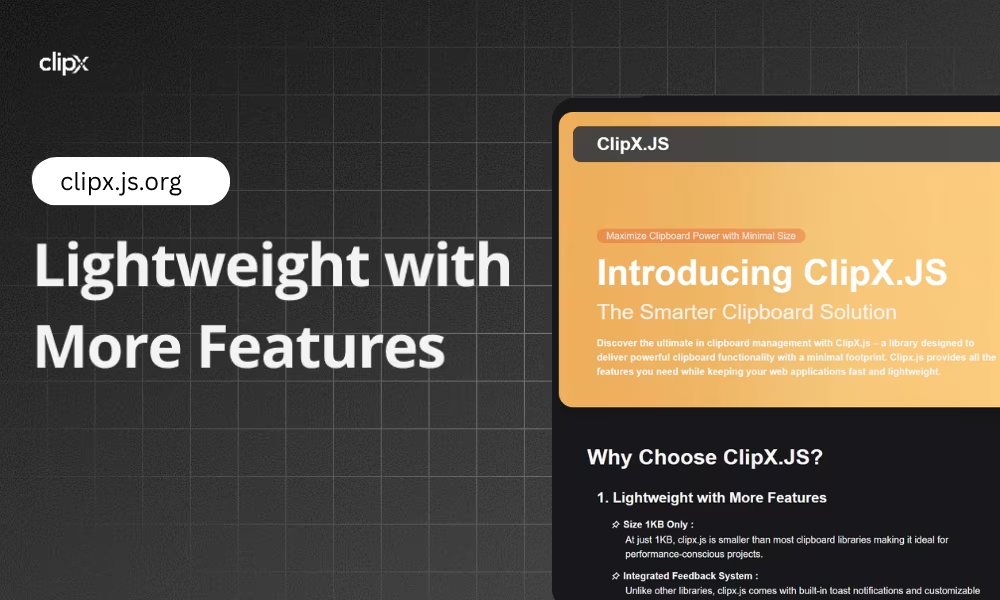
Project URL: https://clipx.js.org
Source: github.com/mraxays/clipxjs (MIT licensed)
Install: npm install clipxjs
Tagline: Powerful Clipboard Functionality in Just 1KB.
Role: Author & Lead Engineer
Timeline: 3–4 weeks, from concept to documentation
1. The Purpose: Why I Built ClipX
Most modern web apps need a "copy to clipboard" feature. Developers usually have two choices. They can use a heavy library, or they can write complex vanilla JavaScript for every project.
I built ClipX.js as a third option. It is a tiny, zero-dependency library for copy and cut actions. It shows its own visual feedback, and it weighs only about 1KB.
2. The Problem & Solution
The Problem
Libraries like Clipboard.js work well. But they often need extra CSS or JavaScript to show toast notifications or success messages. That adds load time and project complexity.
The Solution
ClipX.js puts the clipboard logic and the UI feedback in one package. It uses data-* attributes, so you can add advanced clipboard actions without writing custom JavaScript in your main app file.
3. Key Features & Innovation
- Zero-config feedback: A built-in, customizable toast system. No external UI library is needed.
- Declarative API: HTML5 data attributes such as
data-clipx-targetanddata-clipx-textdefine the behavior right in your markup. - Size optimized: At about 1KB, it suits performance-critical and mobile-first sites.
- Smart "cut" support:
data-clipx-cutclears the source element. This works well for form-heavy workflows. - Styling flexibility: You can change the toast position, duration, and styling to match your brand.
4. Target Audience
- Frontend developers who want a plug-and-play solution to save time.
- Performance-focused teams who need to keep JavaScript bundles small.
- SaaS product builders who make dashboards, shareable links, or code-snippet platforms.
5. Technical Implementation (How I Built It)
To reach the 1KB size goal, I followed these principles:
- Vanilla JS efficiency: Native browser APIs handle clipboard access and events.
- Modular CSS-in-JS: The notification system needs no external stylesheet.
- Documentation as a playground: The docs site (clipx.js.org) lets users test features live.
6. The Result
ClipX.js lets developers focus on their product instead of fighting clipboard APIs.
Teams spend less time on utility features, so they can ship faster. The library supports modern clipboard APIs and has fallbacks for older browsers.
Want to try it? The usage guide covers installation, attributes, and toast options with examples.